How to Build Your First Power Apps Application
Replace a spreadsheet-and-email workflow with a real Power Apps form in under two hours.
Most teams have at least one process that lives in a shared spreadsheet and a chain of emails. Power Apps lets you turn that into a proper app — without writing traditional code.
Step 1 — Pick a small process
Holiday requests, equipment bookings, site inspections. Choose something with one form and one list. You can expand later.
Step 2 — Store the data somewhere real
Use Dataverse for production apps or a SharePoint list for quick wins. Avoid embedding data inside the app.
Step 3 — Generate the app, then trim it
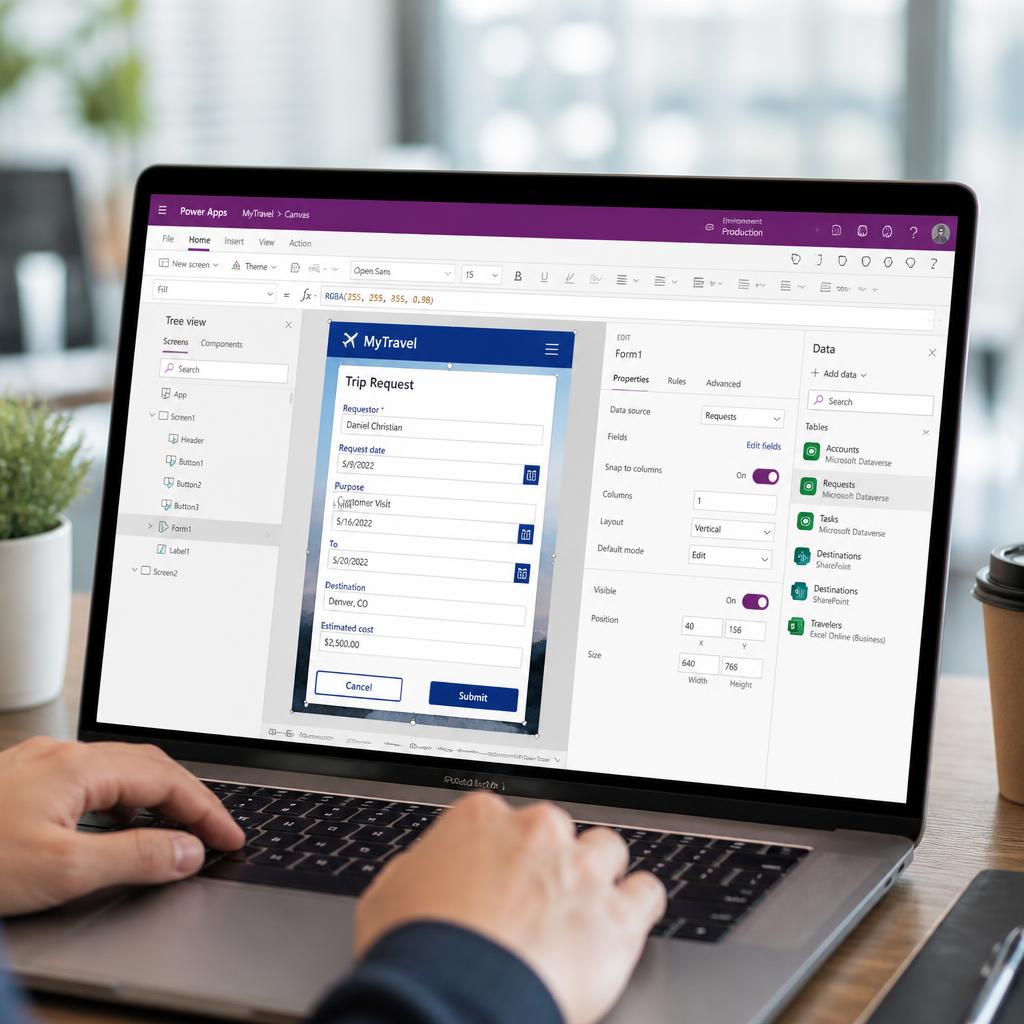
Power Apps will generate a three-screen app from your data source. Delete fields you don't need, rename labels, and apply your colour palette.
Step 4 — Add a single Power Automate flow
One flow is usually enough — for example, send a Teams notification on submission. Keep approval logic visible inside the flow.
Step 5 — Roll out to a small group first
Share with five users, collect feedback, iterate twice. Most issues surface in week one.
Where to go next
The Microsoft Power Apps course at Softclue Academy is built around exactly this kind of build-ship-iterate loop.
Ready to master Microsoft Power Apps?
Enrol in the Microsoft Power Apps course today and earn a verifiable Softclue Academy certificate.
Enrol nowRelated courses

Related articles

How to Start a Career in Data in 2026: A Practical Guide for UK Career Changers
A practical path from raw data to a stakeholder-ready Power BI dashboard in your first afternoon with the tool.

Online Training for Social Care Workers: The 2026 Essential Checklist
Twelve everyday Excel techniques — from XLOOKUP to dynamic ranges — that quietly transform how quickly you ship work.

Microsoft Power Apps Training Online: Master Low-Code Development in 2026
Unlock your career potential with our Microsoft Power Apps training online. Master low-code development for 2026: build apps, automate workflows, and earn a recognised certificate.
AI Skills Employers Want in 2026
The AI capabilities recruiters are actually screening for — and the ones that are quietly losing value.
Subscribe to the Softclue Newsletter
Career advice, learning resources, new courses, events, and free training opportunities — straight to your inbox.